The Settings module — labeled AI Setup in the sidebar — lets you customize Sharpei to match your organization's application types, fields, documents, knowledge base, and branding.
Application Type Configuration
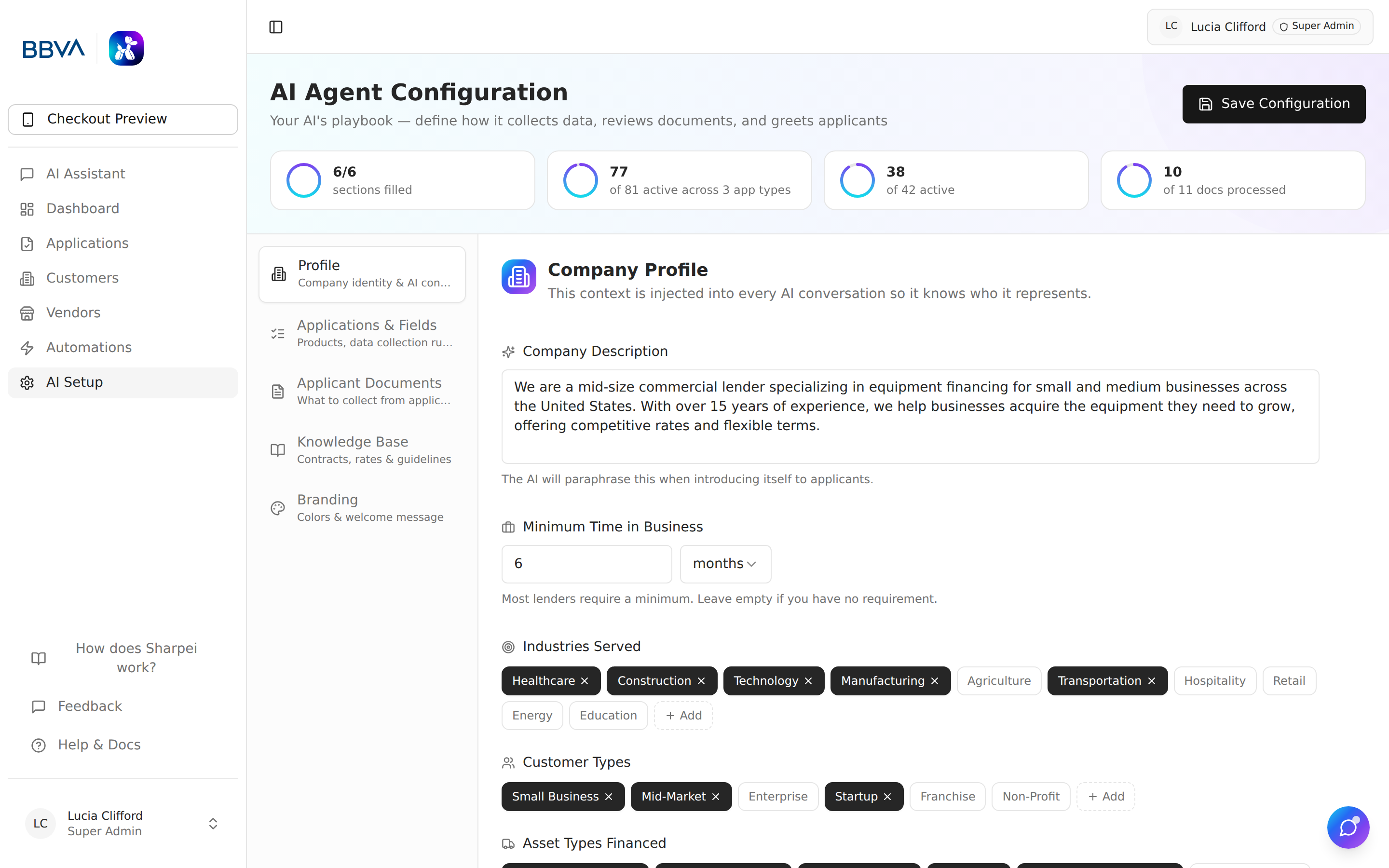
Application type settings and platform configuration
Configure each application type independently:
- Enable/disable application types
- Custom naming — Rename types to match your terminology
- Field configuration — Choose which fields appear on each type
- Required vs. optional — Set field requirements per type
- Document requirements — Specify which documents are needed
Field Configuration
Field configuration panel
Customize the application form fields:
- Toggle fields — Show or hide fields per application type
- Required flag — Mark fields as mandatory or optional
- Field ordering — Arrange fields in the desired sequence
- Section grouping — Organize fields into logical sections (Identity, Contact, Financial, Equipment, Guarantor)
Document Requirements