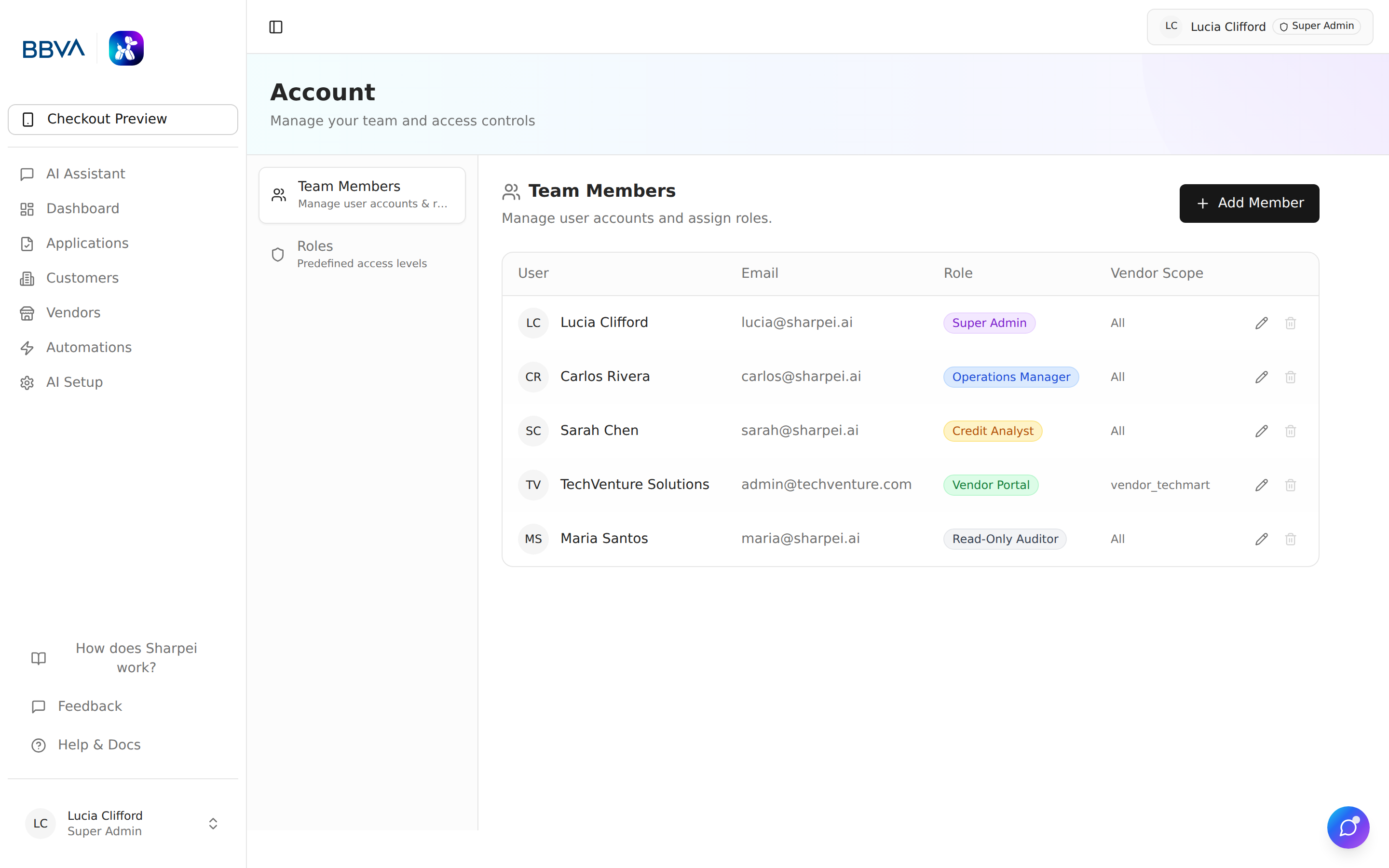
Sharpei AI includes a comprehensive Role-Based Access Control (RBAC) system to manage who can see and do what across the platform.
Role management and account settings
Permissions are structured around resources and actions:
| Resource | Description |
|---|---|
| AI Copilot | Portal AI chat and floating widget |
| Dashboard | Intake KPIs and pipeline analytics |
| Applications | Application intake, enrichment, and hand-off to the LOS |
| Customers | Company and contact management |
| Vendors | Vendor enrollment and performance tracking |
| Automations | Visual workflow builder and execution log |
| Voice Agents | AI phone-call intake (shares the Automations permission) |
| Email Inbox | Inbound email intake |
| AI Setup | AI agent configuration, knowledge base, and branding |
| Checkout Preview | Vendor and customer checkout preview |
| Team | User and team management |
<aside> 👑
Full access to all resources and actions, including settings, team management, and automations
</aside>
<aside> 💼
Application management, customer management, contracts, and payments. Cannot access settings or team management
</aside>
<aside> 🏪
Scoped access to own applications and the checkout experience. Cannot see other vendors' data
</aside>