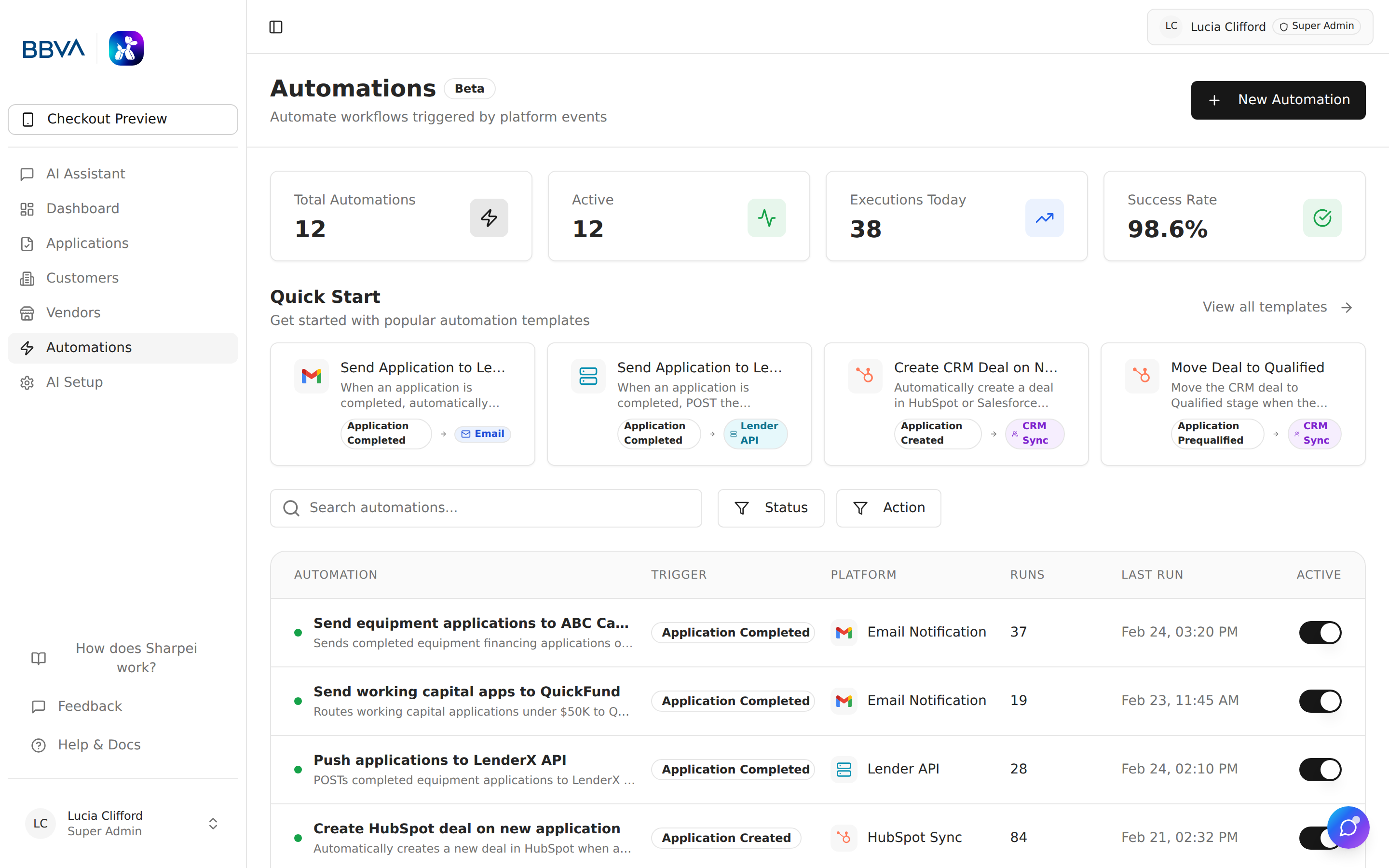
The Automation module provides a powerful visual workflow builder to automate business processes across your equipment financing operations.
Automation list showing active workflows
View and manage all automations:
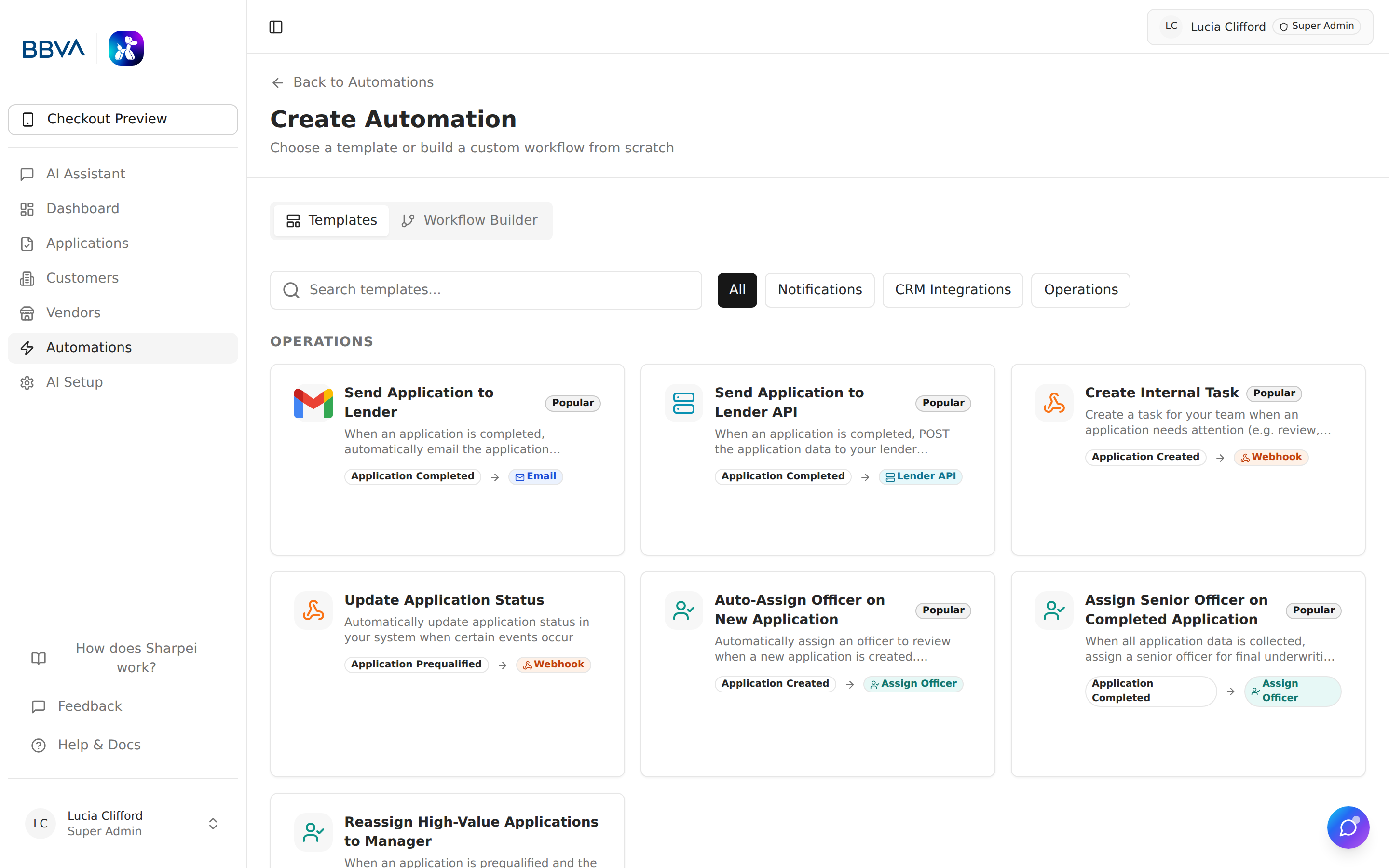
Drag-and-drop workflow builder with templates
Build automations visually with a drag-and-drop, node-based interface (similar to n8n). Each workflow consists of three types of nodes:
Events that start the workflow:
| Trigger | Description |
|---|---|
| Application Created | A new application has landed — from the widget, email intake, or a phone/voice call |
| Application Ready | Application has been marked ready to send to the LOS |
| Application Sent | Application has been pushed to the LOS for underwriting |
| Application Status Changed | Any status change on an application (draft → incomplete → ready → sent → archived) |
| Application Updated | Application fields or attached data have been edited |
| Application Assigned | Application has been assigned to a team member |
| Customer Created | A new customer record has been created |
| Vendor Created | A new vendor record has been created |
| Vendor Enrolled | Vendor has completed enrollment |
| Vendor Activated | Vendor has been approved and set to active |
| Vendor Suspended | Vendor has been placed on hold or suspended |
| Document Uploaded | A document has been attached to an application |
| Document Analyzed | AI has finished extracting and scoring a document |
| Document Verified | Document has passed verification checks |
| Document Rejected | Document has been flagged as invalid or failing verification |
Optional logic to filter when actions should execute: