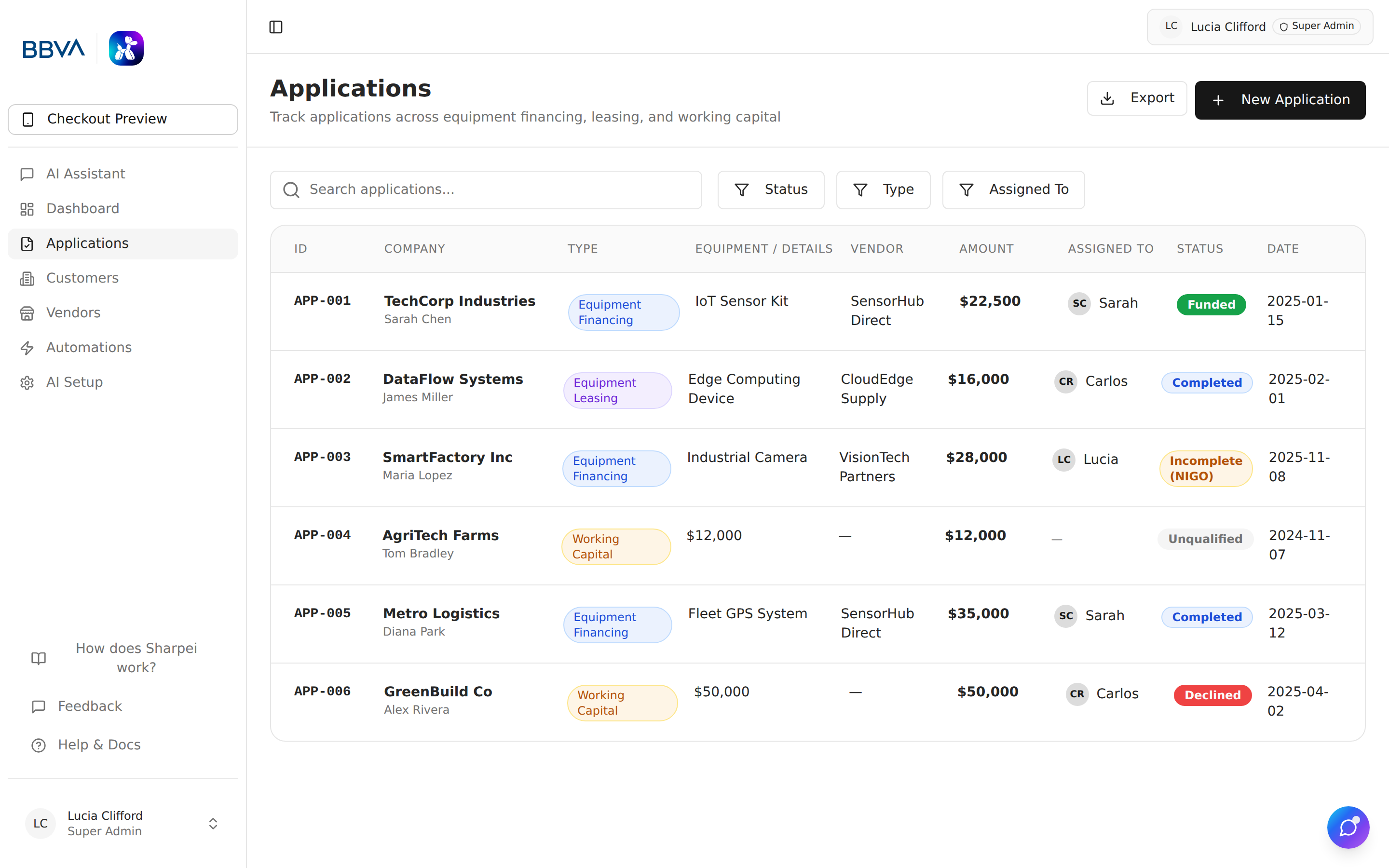
The Applications module manages the full lifecycle of equipment financing and leasing applications — from initial intake through funding and completion.
Applications list view with filters and status indicators
The applications list provides:
Sharpei is an intake and enrichment platform — we take applications in, clean them up, and hand them off to your Lender Operating System (LOS). Credit approval, underwriting, and funding happen downstream in the LOS, not inside Sharpei.
Every application moves through these statuses:
flowchart LR
    A["Draft"] --> B["Incomplete"]
    A --> C["Ready"]
    B --> C
    C --> D["Sent"]
    D --> E["Archived"]
    B --> E
    E -. restore .-> C
| Status | Description |
|---|---|
| Draft | Application just arrived — from the widget, email intake, or a phone/voice call — and is being processed by AI. |
| Incomplete | Required fields or documents are missing. Communication automations can auto-chase the customer for what's outstanding. |
| Ready | Everything's in and the deal is ready to hand off to your LOS. |
| Sent | Application has been pushed to the LOS for underwriting. CRM integrations sync at this point. |
| Archived | Closed out — whether funded, declined, or withdrawn. Removed from the active pipeline but restorable anytime. |
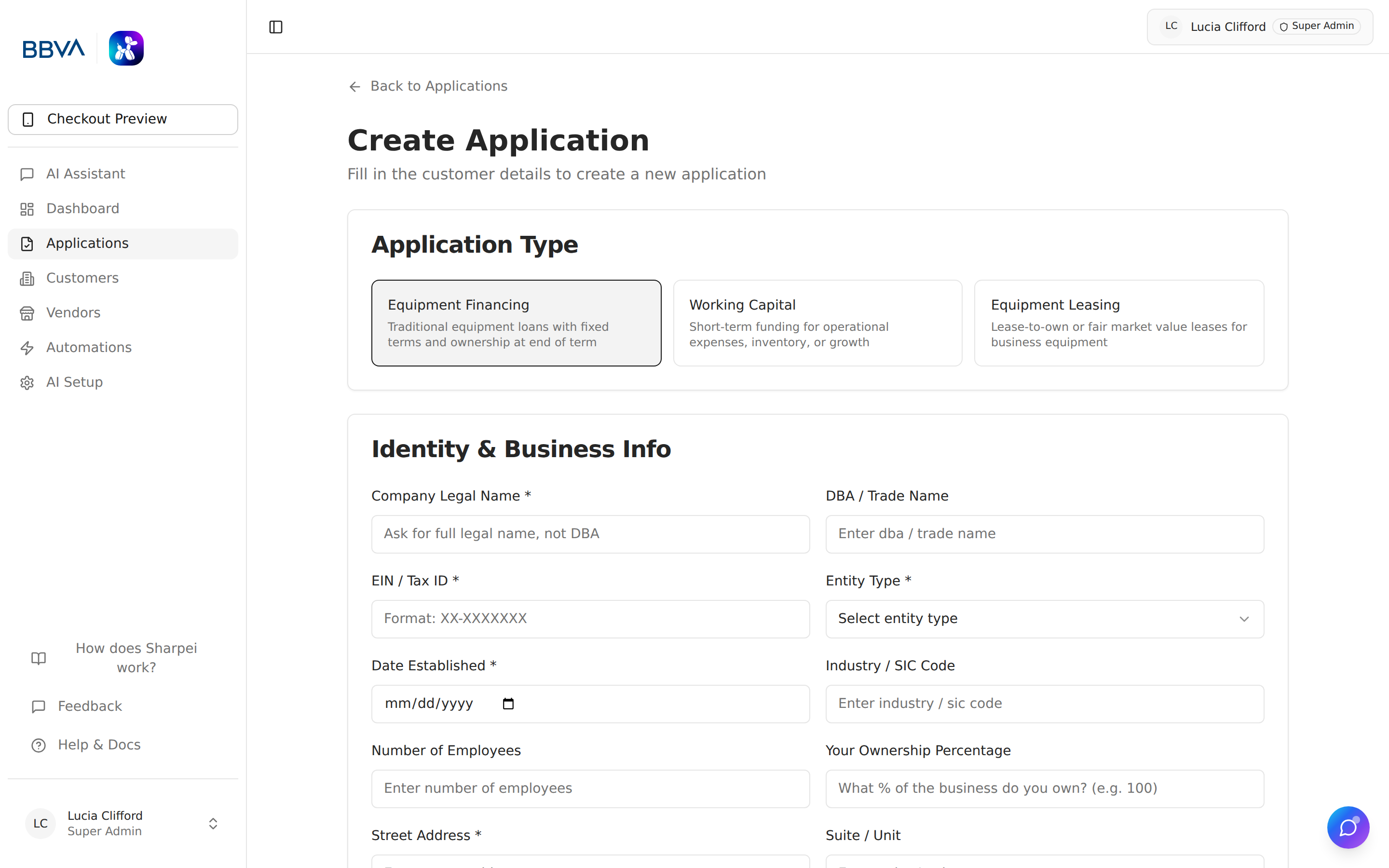
New application form with unified multi-step layout